
Uploading Slides to Moodle Isn’t Course Design
Moodle course design
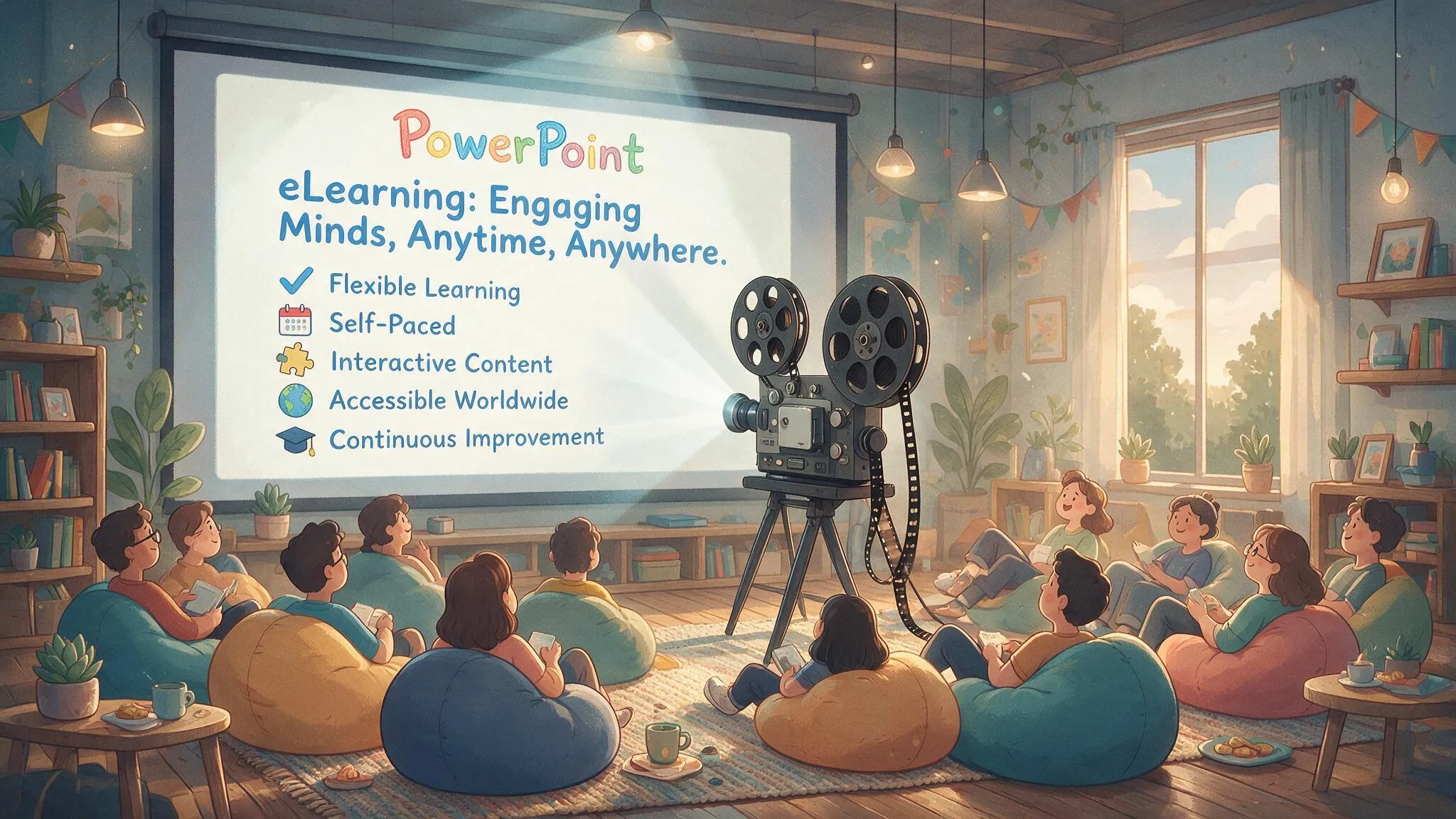
Someone handed me a set of PowerPoint slides and said, “can you turn this into an online course?”
I opened the file expecting notes, a script, something. Nope. Each slide had three bullet points and no context. No speaker notes, no explanation, nothing. Just words sitting on a slide, waiting for someone to explain what they meant.
I uploaded it to Moodle anyway, just to see what it looked like once it was “in” the course.
It looked exactly like what it was. A PDF wearing a lanyard.
Filing Is Not Teaching
This is the most common thing I see when I get called in to look at a Moodle site that “isn’t working.” It’s rarely a bad design problem. It’s rarely a technology problem either, even though that’s usually what gets blamed first.
It’s a content problem. The content was never designed to teach anyone anything on its own.
Think about what a PowerPoint slide actually is. Three bullet points, maybe a chart, maybe a stock photo of people laughing at a laptop for no reason. On its own, that’s a recipe card with the ingredient list and no method. You know you need eggs, flour and sugar, but nobody told you what order to add them in or how long to bake it. Good luck with that cake.
PowerPoint was built for a teacher standing at the front of a room, filling in the gaps between the bullet points. The slide is the skeleton. The teacher is the muscle, the stories, the “here’s what actually happened when we tried this at a client site” moments. That’s where the real learning lives, in the bits that never made it onto the slide because the presenter didn’t need to write them down. They just knew them.
Take the teacher out of the room and upload the skeleton to an LMS, and you haven’t built a course.
You’ve built a filing cabinet with a progress bar.
So What Do You Actually Need?
Here’s the bit that surprises people. The fix isn’t a better template, a fancier theme or more interactive quizzes bolted onto the same ten bullet points. All of that is just decorating the filing cabinet.
What you actually need is the teacher.
Believe it or not, the easiest way to solve this is to just record them. Get the subject matter expert to run the session the way they normally would, live, in front of a whiteboard or a Zoom call or a room full of confused new starters. Let them go off script. Let them tell the story about the time it all went wrong and what they learnt from it.
Then transcribe it.
That transcript, not the slide deck, is your raw material for the course. It has the real explanations, the context, the “why this matters” that never made it onto a bullet point because it didn’t need to. It has the analogies the expert reaches for without thinking. It has the tone of an actual person talking to another actual person, instead of a document talking at a screen.
This is the difference between content that was designed for a live classroom and content that was designed to be learned alone, at 9pm, by someone who just wants to finish the module before bed.
What This Looks Like in Practice
- Record the expert delivering the session, not reading the slides, actually teaching it
- Transcribe the recording rather than relying on the original deck
- Pull the real explanations, examples and stories out of the transcript
- Use the original slides as a skeleton or a table of contents, not as the content itself
- Rebuild each section so it makes sense to someone with nobody in the room to ask a question
None of this is complicated. It just takes longer than uploading a PDF, and that’s exactly why most people skip it.
The Point
A course isn’t the slides. A course is the explanation that used to happen next to the slides, now written down so a learner sitting alone can get it too.
If your Moodle course could be replaced by someone reading the original PowerPoint at home by themselves, it was never a course. It was a document with a login page.
Fix that, and something interesting happens. Completion rates go up. The “why isn’t anyone finishing this module” emails stop. And your learners actually walk away knowing something, instead of just clicking through to unlock the certificate.
That’s a win-win. For them, and for whoever has to explain the completion stats next quarter.
Moodle course design