Level Up Your Online Education Content: The Power of Illustrations
In today’s rapidly evolving online education landscape, engaging and effective…

In today’s rapidly evolving online education landscape, engaging and effective…

When developing online educational content, you’re constantly making choices about…

Discover how illustrations can enhance online education content and learn to create your own with our Adobe Illustrator course designed for web developers.

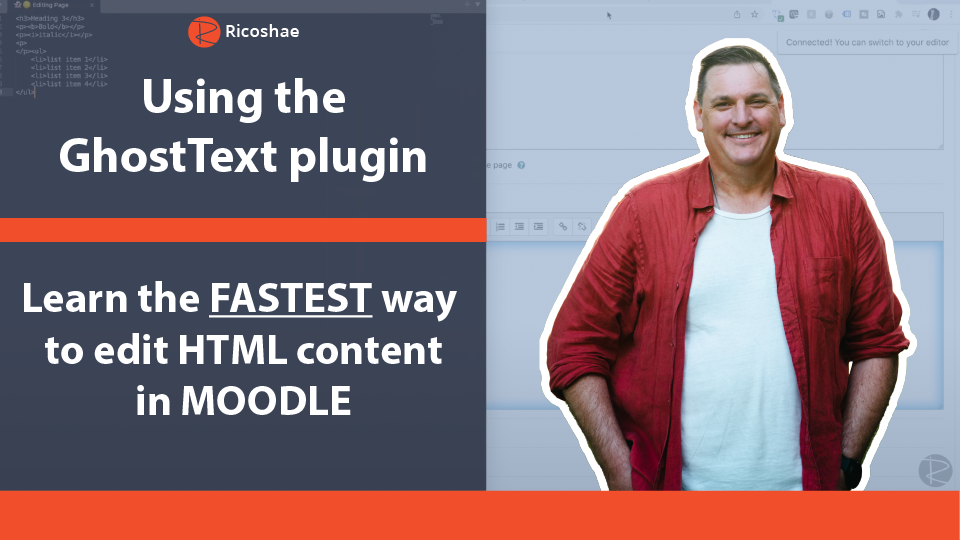
Discover the fastest way to edit HTML content in Moodle using the GhostText plugin, enhancing your workflow and productivity.

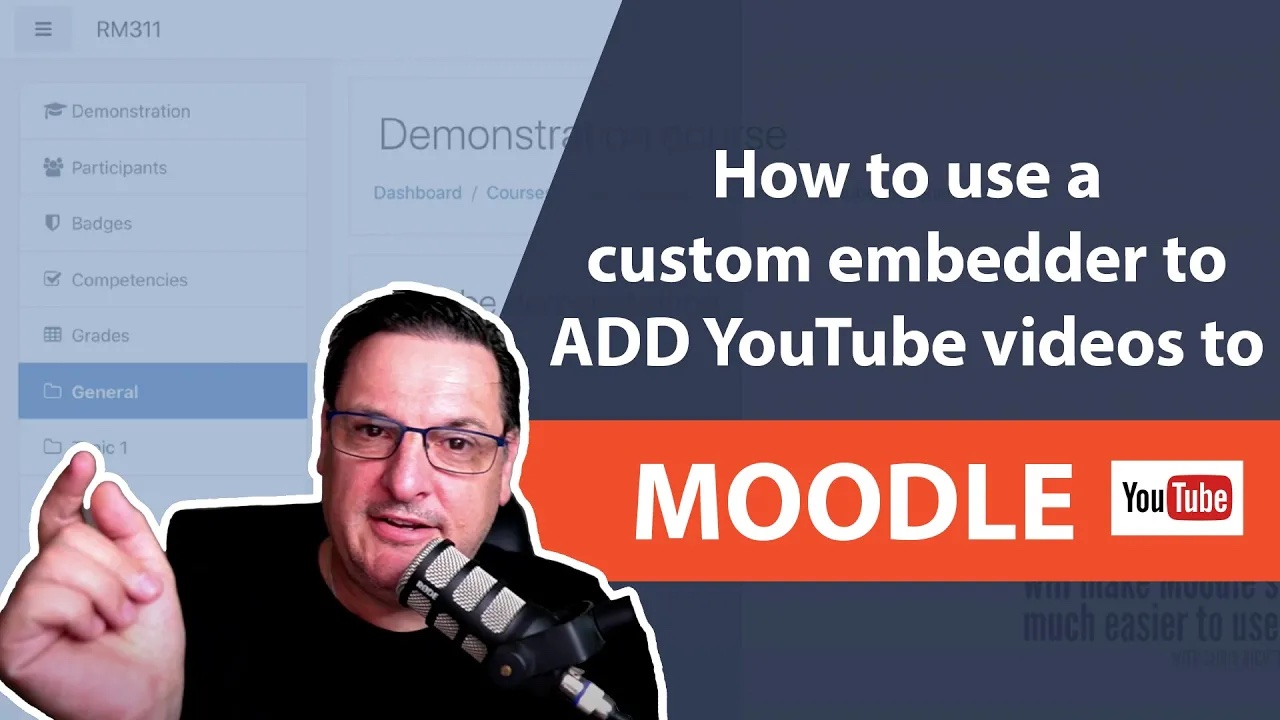
Discover how to seamlessly embed YouTube videos in Moodle using an innovative custom embedder for an enhanced learning experience.

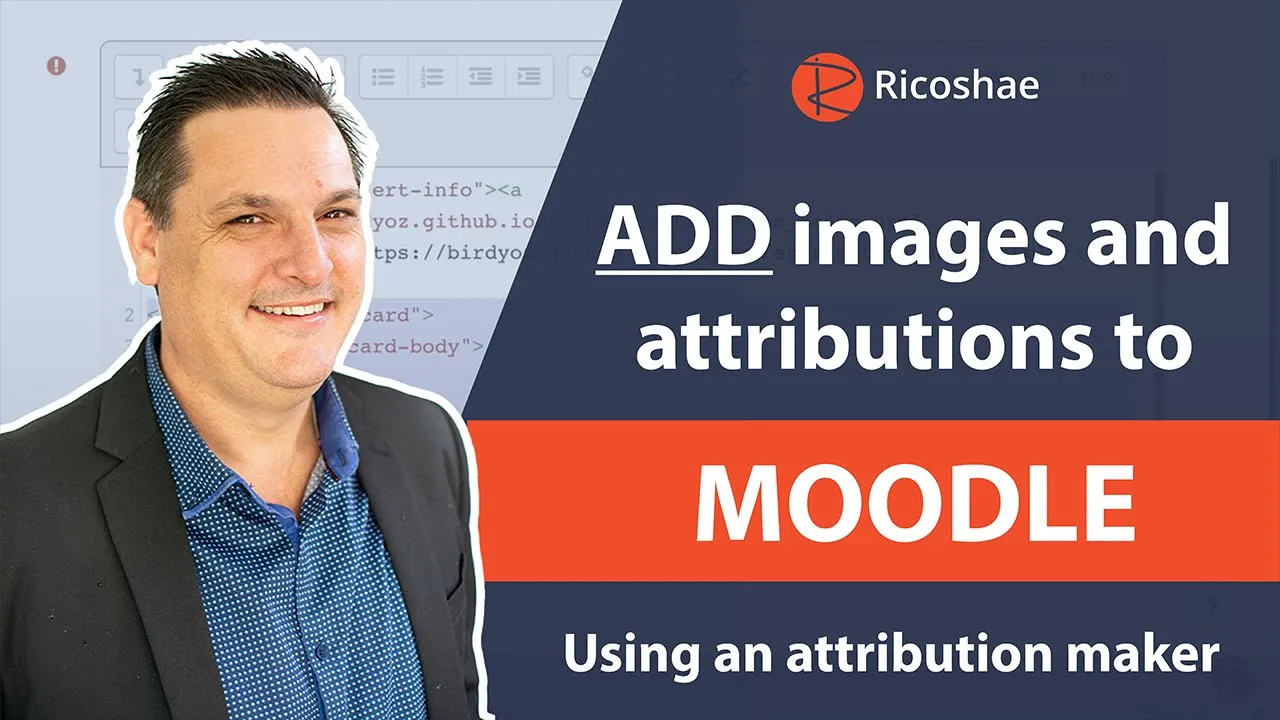
Discover how to efficiently add images and attributions to MOODLE using an easy-to-follow attribution maker tool, enhancing your online resources seamlessly.
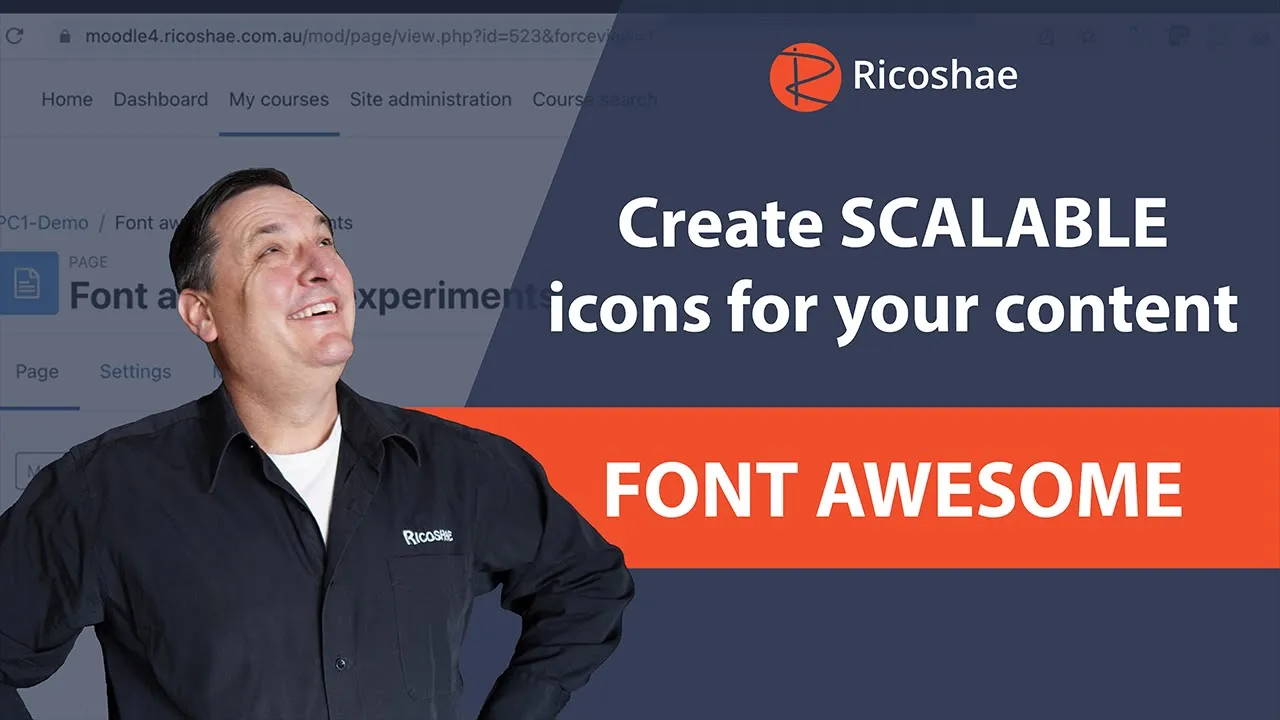
Today, we’re diving into how you can easily jazz up your web-based content by adding scalable icons using a fantastic tool called Font Awesome. It’s super simple to use and can make a real difference to how polished and engaging your content looks.

Today, we’re diving into something super practical and fun: building your own multiple-choice activity using just HTML, JavaScript, and CSS. If you’re starting to develop interactive content for online courses, this is a great project to get your feet wet.

Simple but powerful HTML and JavaScript activity you can easily add to your online learning content.

Today's project is another great one you can add to your teaching toolkit: an automatic area calculation activity where students can input their answer and get instant feedback.